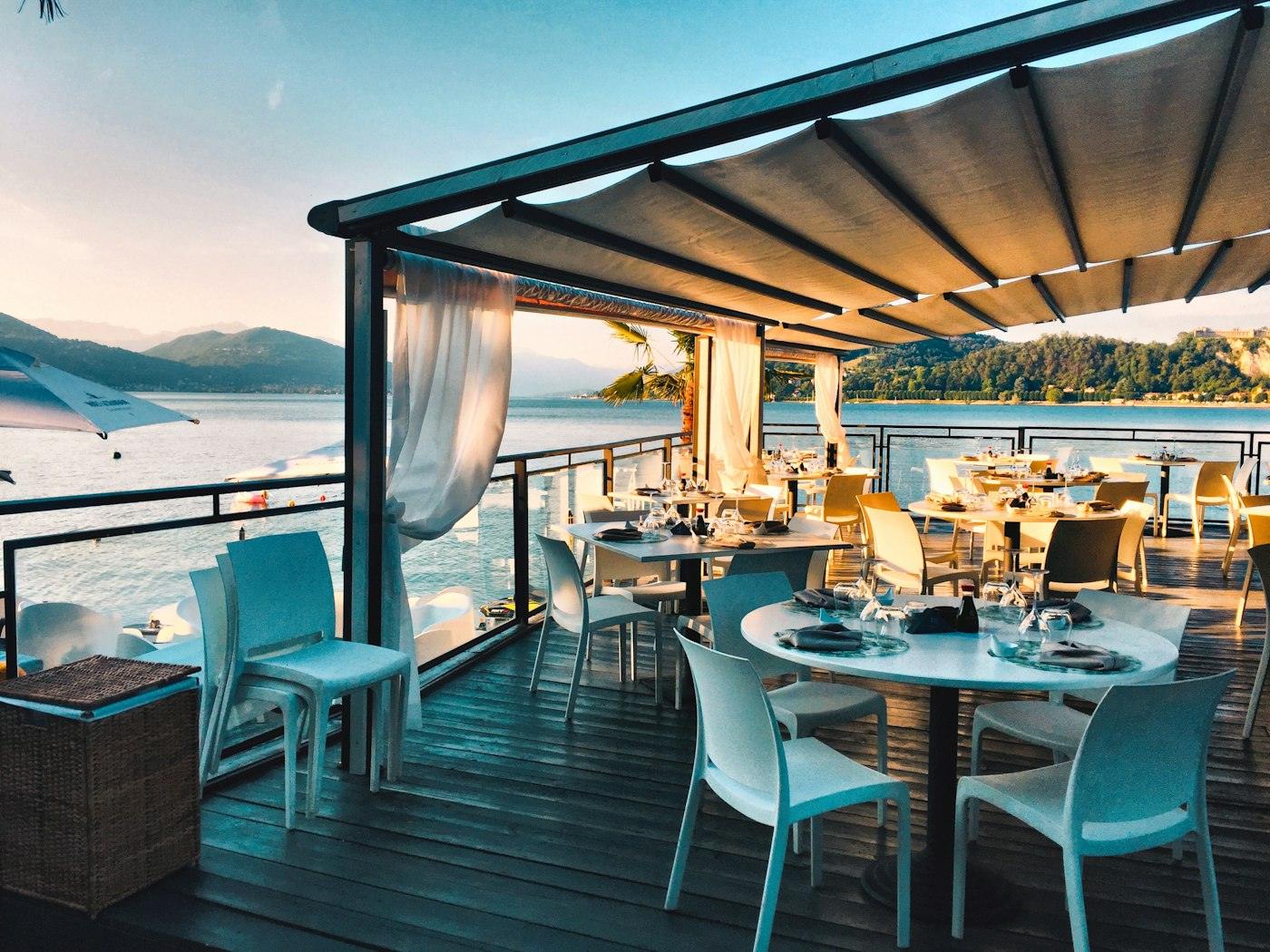
 01Atmosphere
Intimacy
Twelve guests in all. Each one part of the evening, not an extra.
A page for a concert, a festival or a conference: the schedule, the speakers, the venue and a sign-up form. Publish it and collect registrations online.
Ether
A company evening — dark navigation, organic shapes, an orange accent.
Vine
A festival — a split screen, wine red and sea blue, sharp corners.
Summit
A conference — a dark background, a gold accent, a grid of speakers and a day-by-day schedule.
Emerald
A private evening — a green accent, cut corners, a diagonal split across the cover.
Crimson
A concert — obsidian, crimson and sand, a grid of artists and the running order.
Forest
A concert among greenery — dark emerald, almond lettering, a ribbon and a manifesto.
Neon
A company party — neon gradients on near-black, a ribbon and a grid of cards.
Forum
A business forum — plum and gold, a restrained serif and clean grids.
Glass
An exhibition — frosted glass over concrete, a cool blue accent and a photo backdrop.
Perimeter
A technology exhibition — near-black, a cool accent, a tactical grid and mono labels.
Swipe sideways →
Three steps from a blank page to your first applications. No designer, no developer.
Ten ready-made designs for different events — a concert, a festival, a conference, a corporate party.
The design can change at any time: the colours, fonts and photos are yours.
The words, the schedule, the speakers, the venue and the sign-up form are edited right on the page, with a live preview beside it.
Blocks can be added, reordered or removed.
You get a link like evvo.ua/i/your-event — share it on social media and in your ads.
Applications, views and conversion live in your dashboard.
A ready template already has every block. Remove what you don't need, add what you do.
Cover
The name of the event, the date, the place and a register button — the first thing a visitor sees.
About the event
A description, the numbers and the key points: who it is for and what will happen.
Schedule
The programme by day or by hour, with a description of each item.
Speakers and participants
Photos, names, roles and talk titles.
Location
The address with directions and a photo of the venue — or a link to the stream.
Tickets or access
Several ways to take part, with prices and what each one includes.
Sign-up form
The fields you choose. Every application lands straight in your dashboard.
A flexible sign-up form — names, contacts, any fields you like. Every lead in your dashboard.
The event programme hour by hour, and blocks for participants, partners and details.
An address with a map for an in-person event, or a stream link for an online one.
A live timer keeps interest warm until the date.
Page views and conversion into applications — right in your dashboard.
Event landing pages are indexed by search — organic traffic comes to you.
How is a landing page different from an invitation?
An invitation is a personal page for the guests of a celebration (a wedding, a party). An event landing page is a public page with registration, indexed by Google and made to send traffic to.
How are applications collected?
A visitor fills in the registration form right on the page. You see every application, the statistics and the conversion in your dashboard, with a CSV export.
Can I run an online event?
Yes — put a stream link where the map would be, and set the form up for online registration.
How long does the page work?
Applications are collected up to the event date and for 30 days after it. The page then stays at its link as an archive of the event, and if you need to take registrations again you renew it for 900 ₴ a year. Moving the date is free.
Creating and previewing are free. You pay only to publish.
Safe card payment through monobank
A concert, a festival, a conference — one publication.
It takes a few minutes. Try it — you pay only when you decide to publish.
Choose a templatePlanning a celebration rather than an event?
For a wedding or a birthday, make a digital invitation with RSVP.